Knowledge Base
WP Essential: How to Enable SiteLock Protection
How to Enable SiteLock Protection
- Log in to your Control Panel.
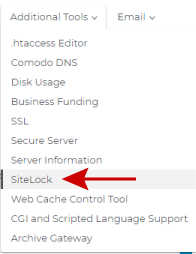
- Click the Additional Tools link and choose SiteLock
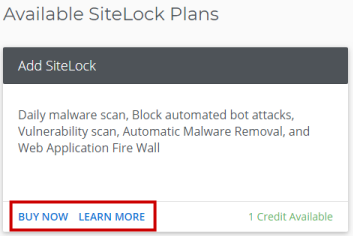
- Click on Buy Now or Learn More
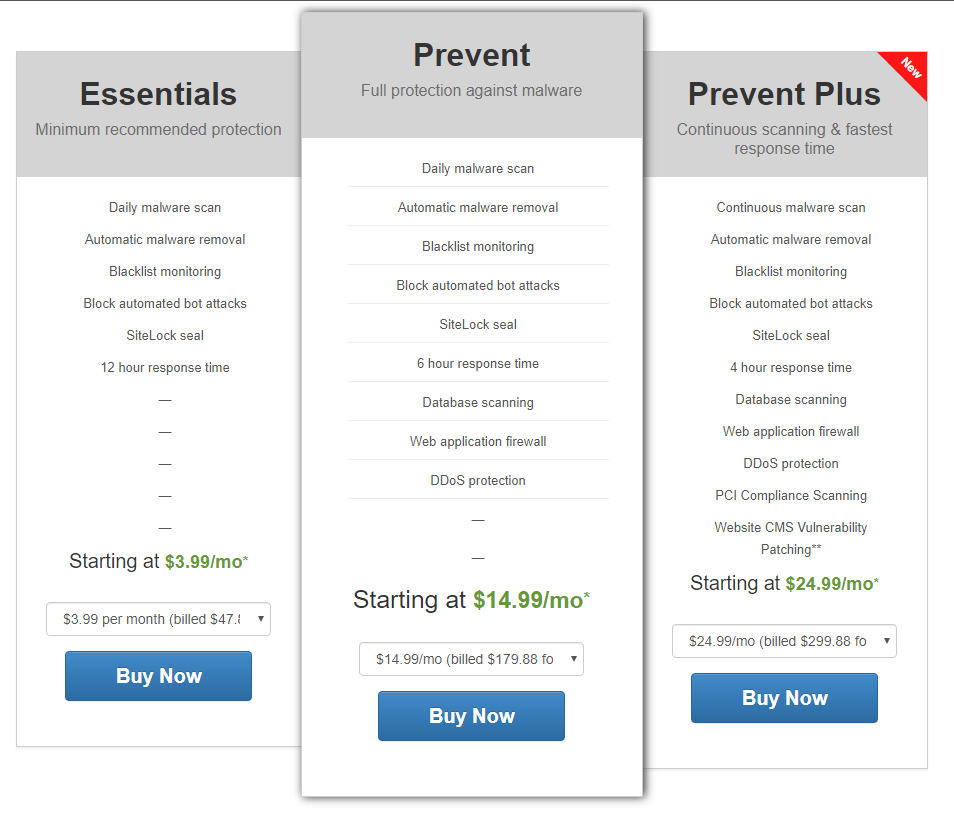
- Choose your plan
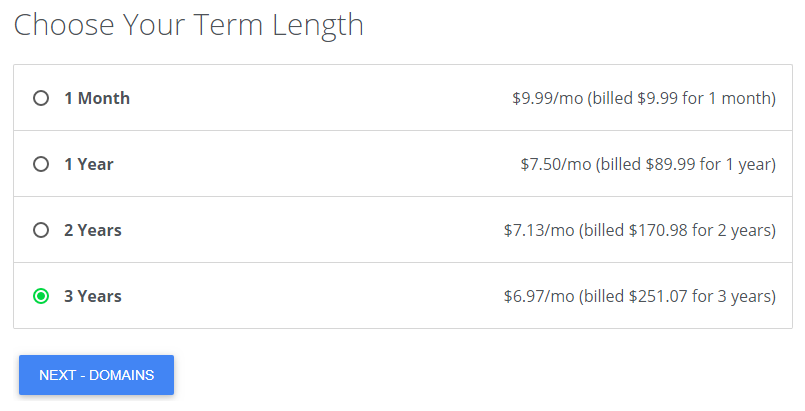
- Choose your term length
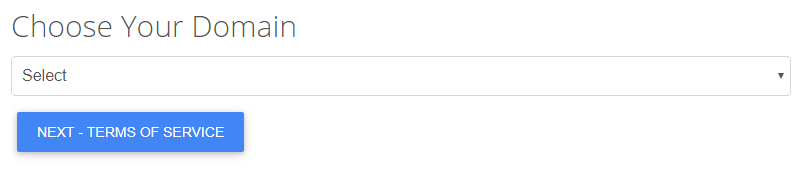
- Select the domain you want to protect and click Next
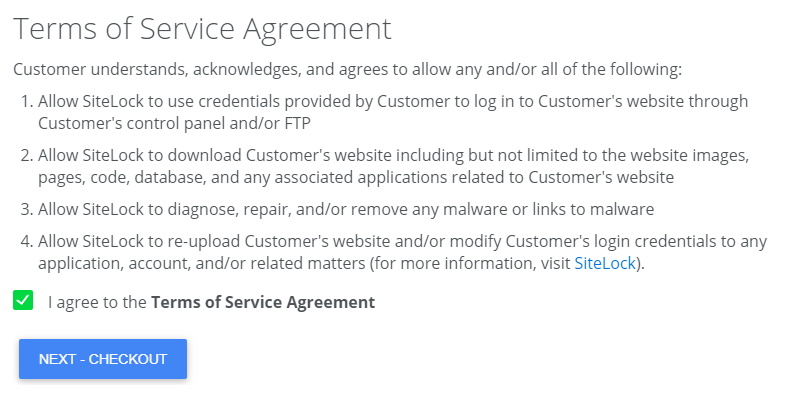
- Agree to the Terms of Service Agreement and Check Out
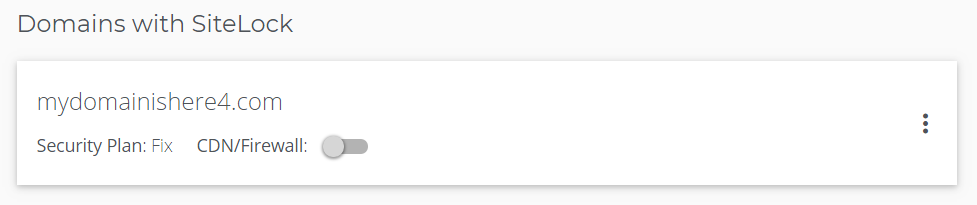
- You will now see your domains with SiteLock, protection will begin within a few minutes
Want to learn more about WordPress
WordPress: Tutorial Videos: To help you easily grasp the basics of creating a WordPress website, Account Support has created several free tutorial videos. These videos were designed to be followed in order, but you are welcome to view whichever one best suits your needs.
You can always check out WordPress.org and browse their codex or online help forums.
Did you find this article helpful?