Knowledge Base
Security: How to Purchase and Enable SiteLock
How to Enable SiteLock Protection
- Log in to your Control Panel.
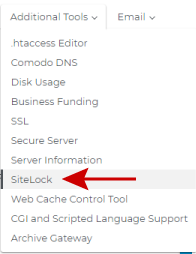
- Click the Additional Tools link and choose SiteLock
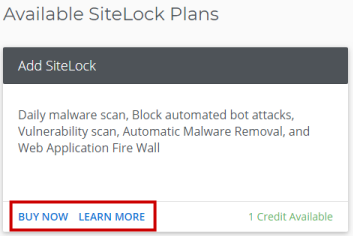
- Click on Buy Now or Learn More
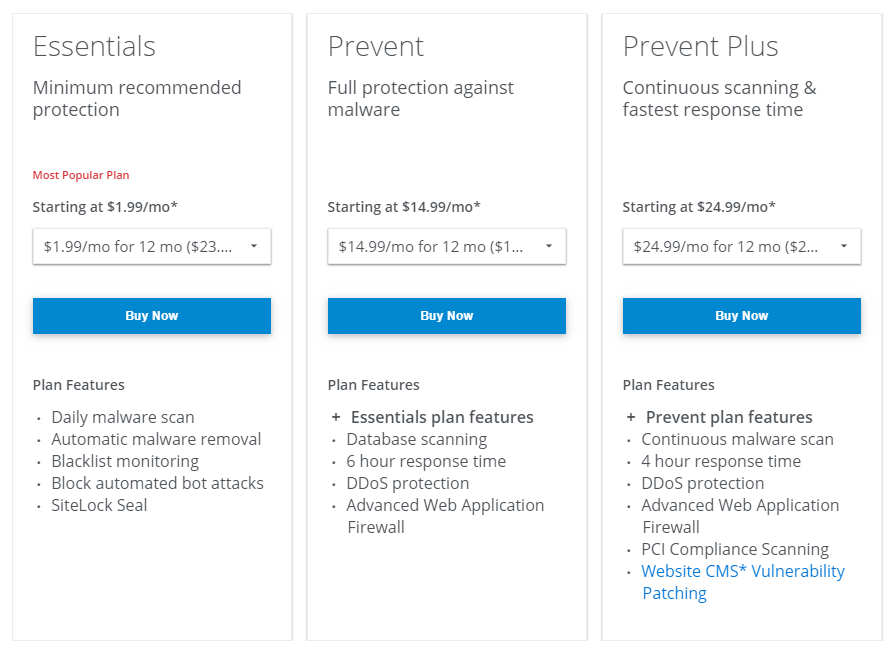
- Choose your plan
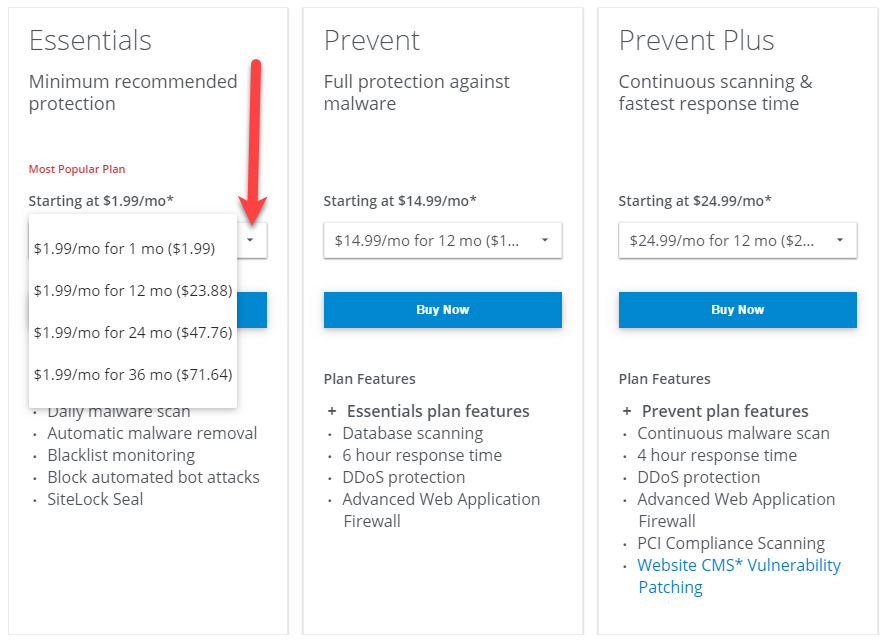
- Choose your term length
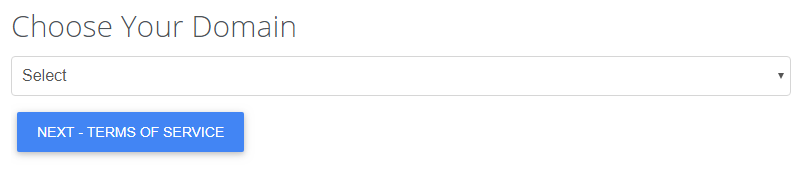
- Select the domain you want to protect and click Next
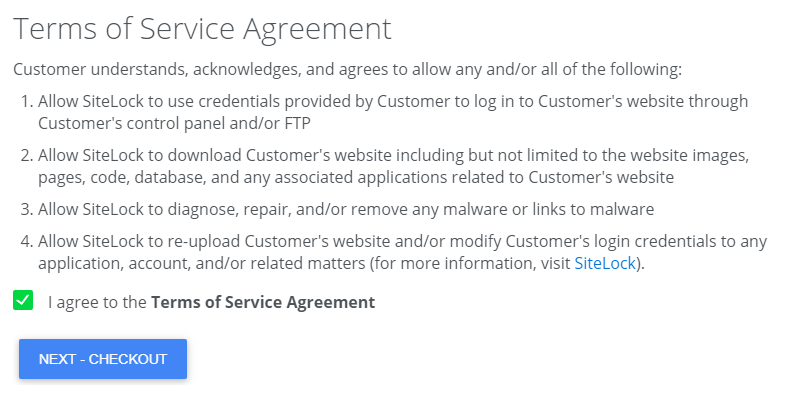
- Agree to the Terms of Service Agreement and Check Out
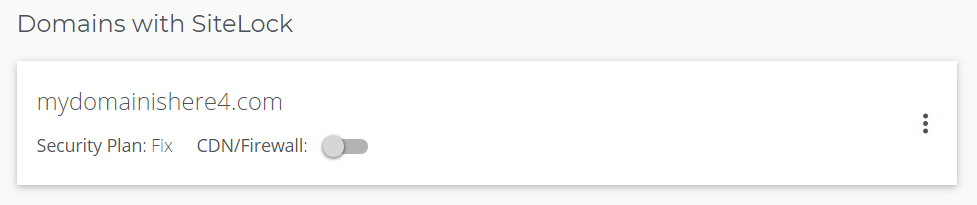
- You will now see your domains with SiteLock. Protection will begin within a few minutes
If you have questions or require further assistance, please contact us at %%sitelock_support_number%%.
Our friendly security specialists will be more than happy to assist you.
Did you find this article helpful?