Knowledge Base
Categories: Webmail
Roundcube: How to Switch Back to the original theme
Change Roundcube webmail to the default theme
- Log in to your account and open the webmail client.
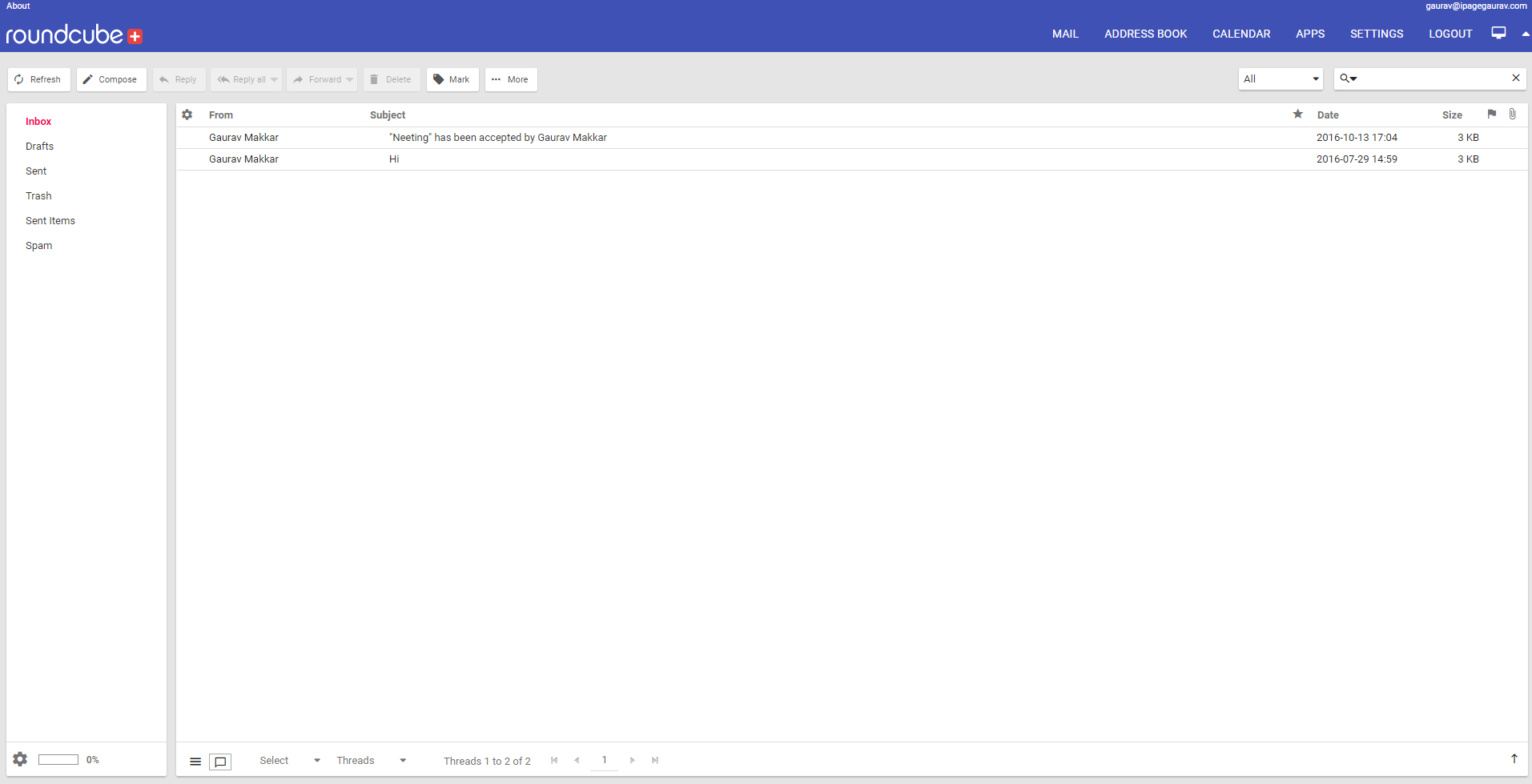
- Go to Settings in the top right of the webmail client.
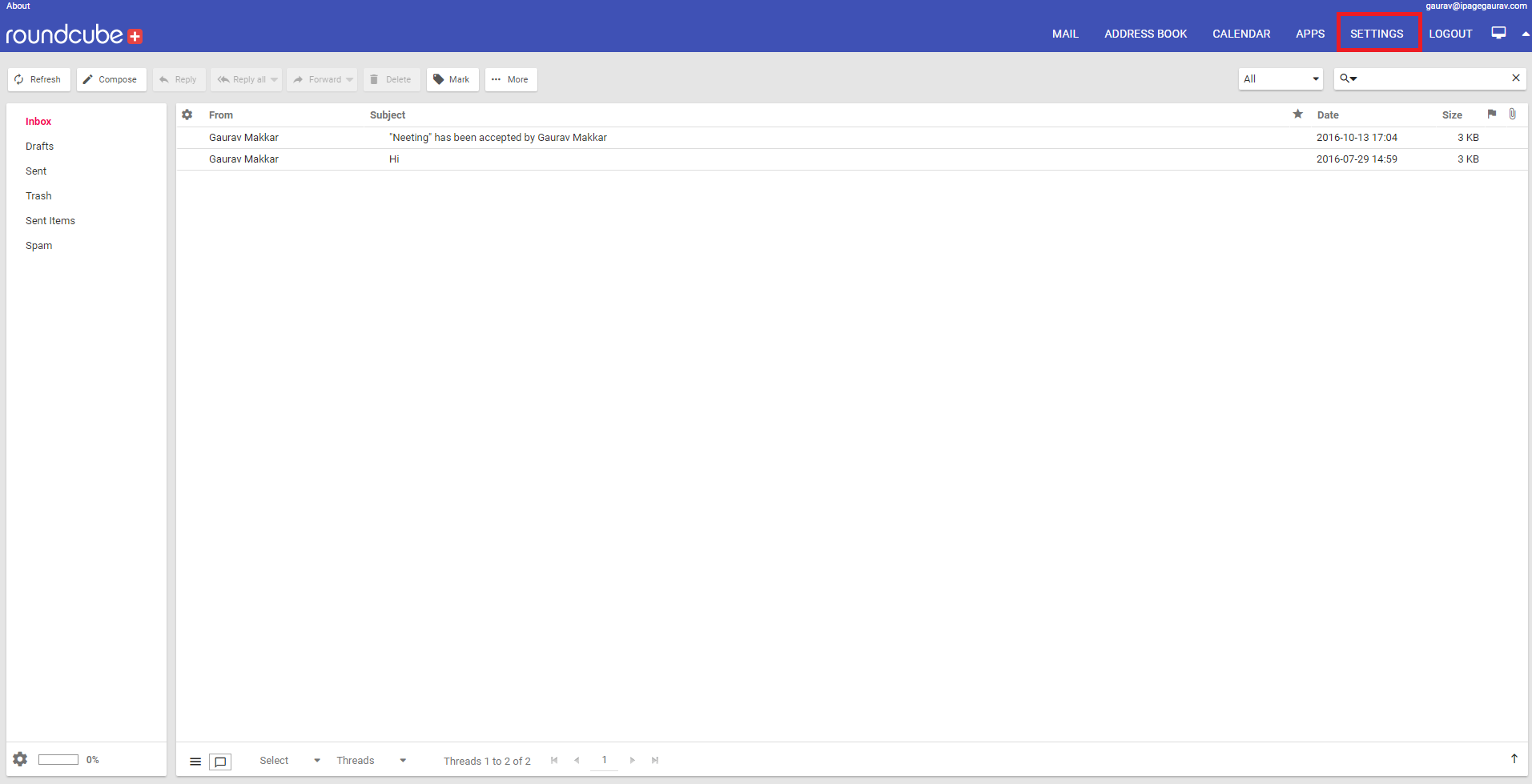
- Navigate to Preferences - User Interface.
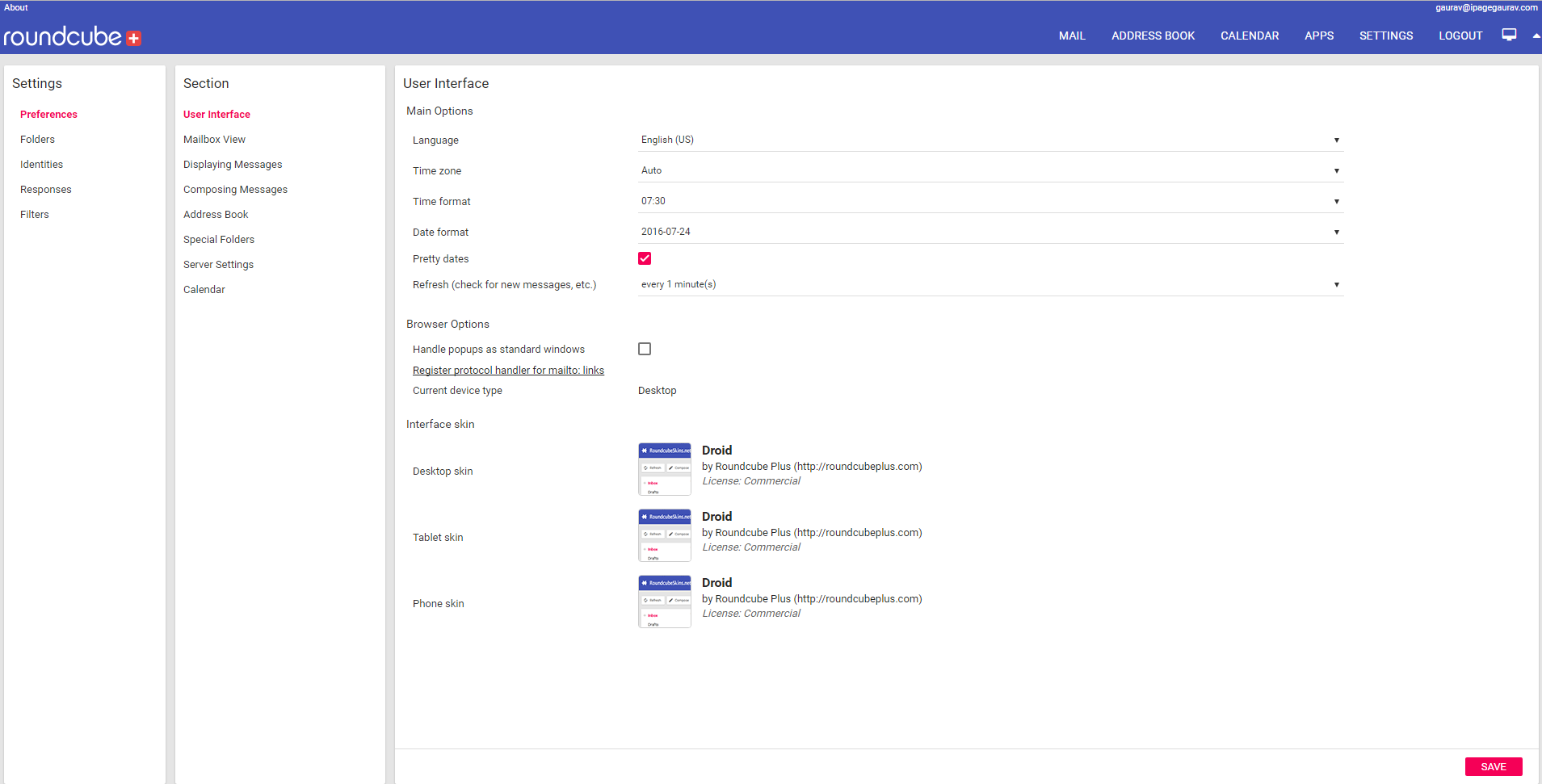
- In the section titled Interface Skin change the toggle to the skin called “Larry” from “Droid” for the devices, you access your email from.
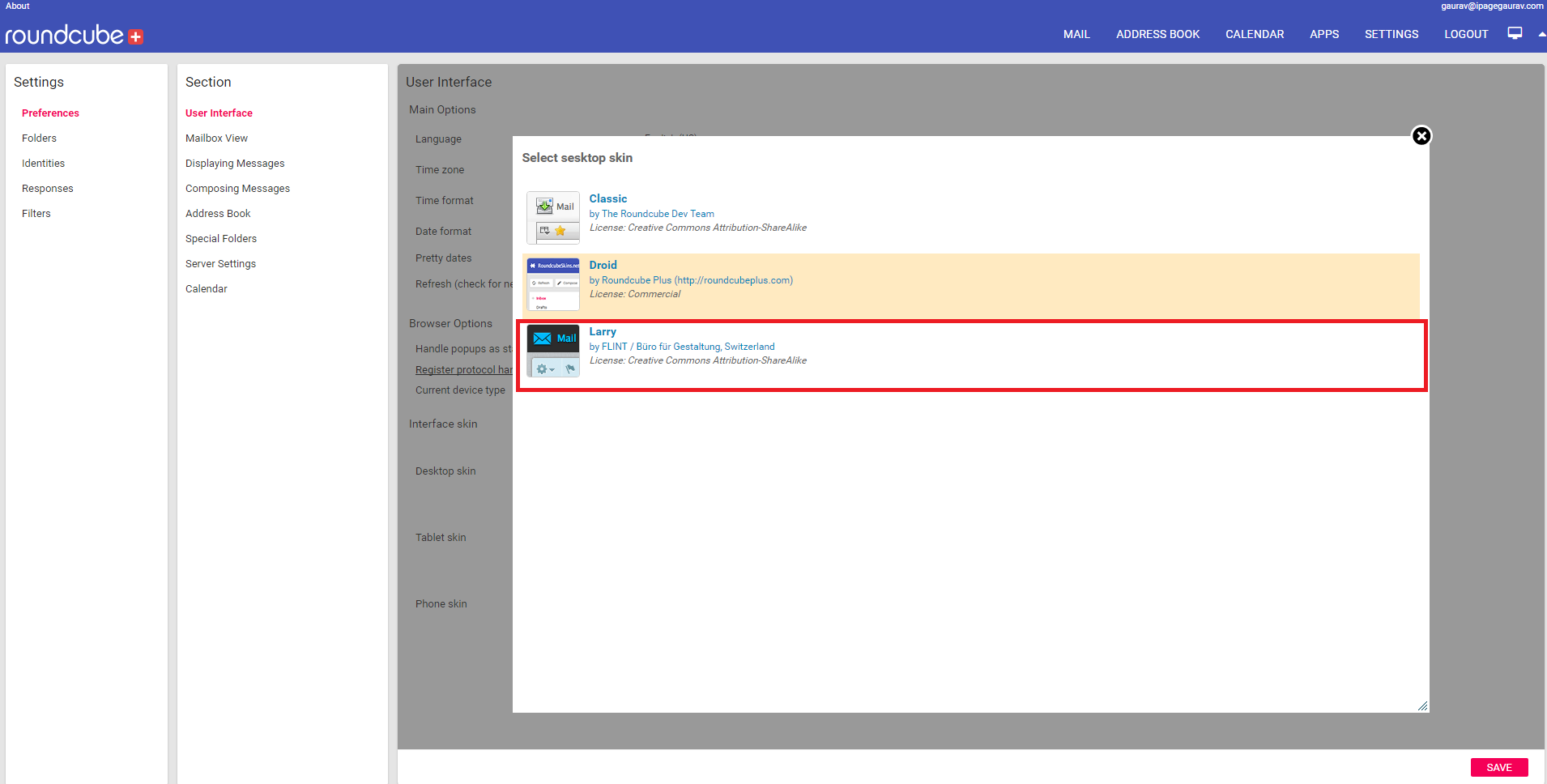
- Click on the Save button, your mail client will reload with the default template.
Did you find this article helpful?