Knowledge Base
Domain Management: How To Change Contact Info For Multiple Domains
How To Change Contact Info For Multiple Domains
- Log in to your Control Panel
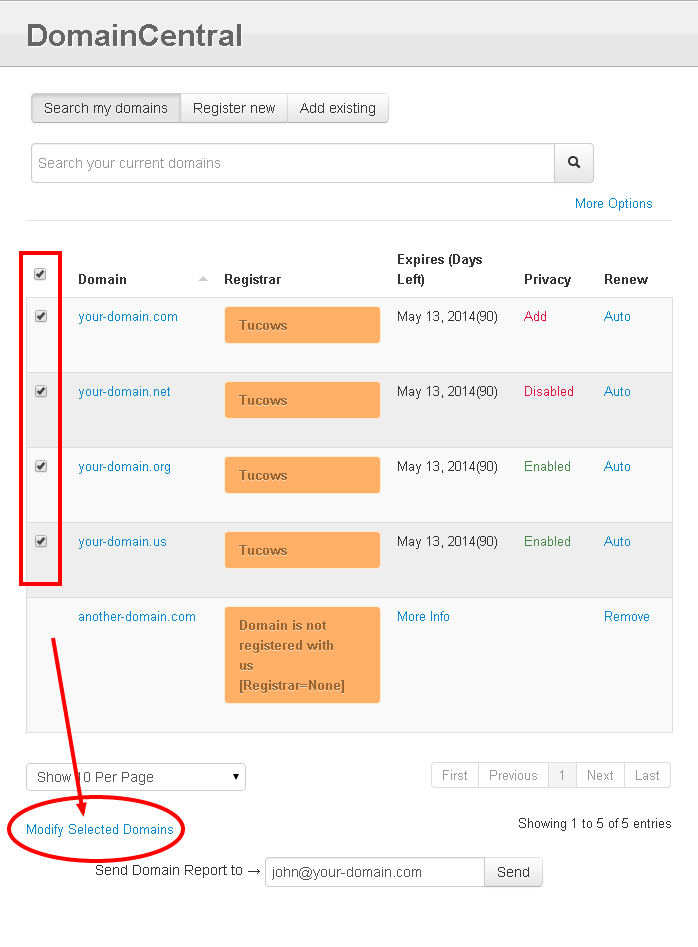
- Go to Domain Central.
- Check the box next to each domain you want to update or change.
- Click Modify Selected Domains.
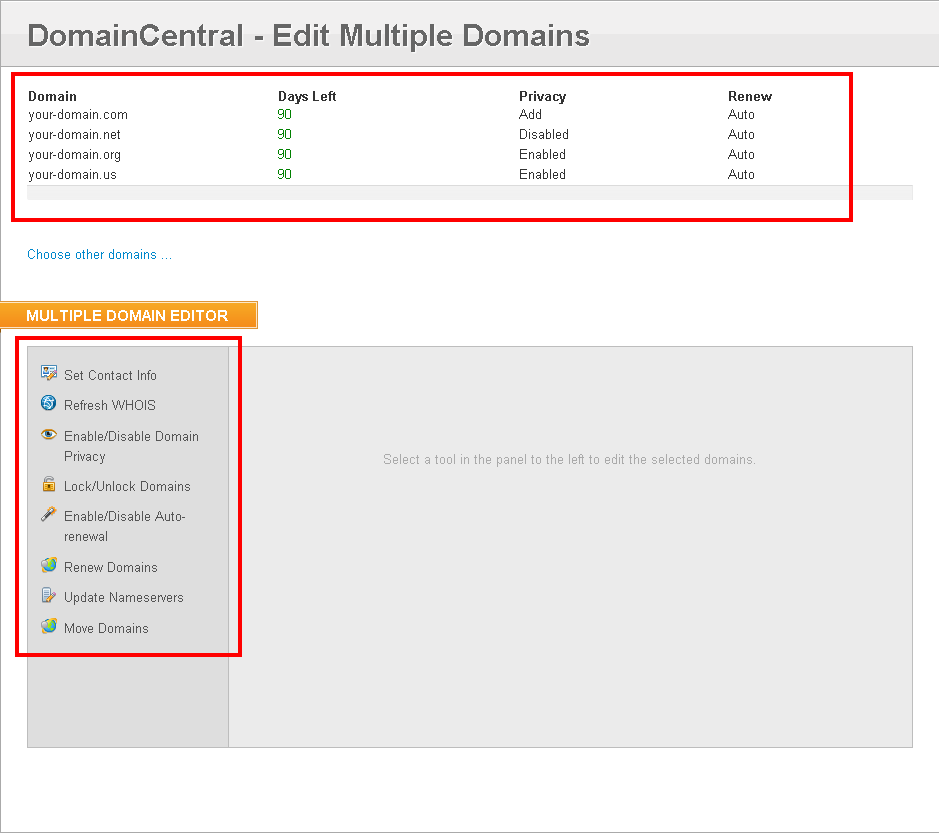
- Select Set Contact Info.
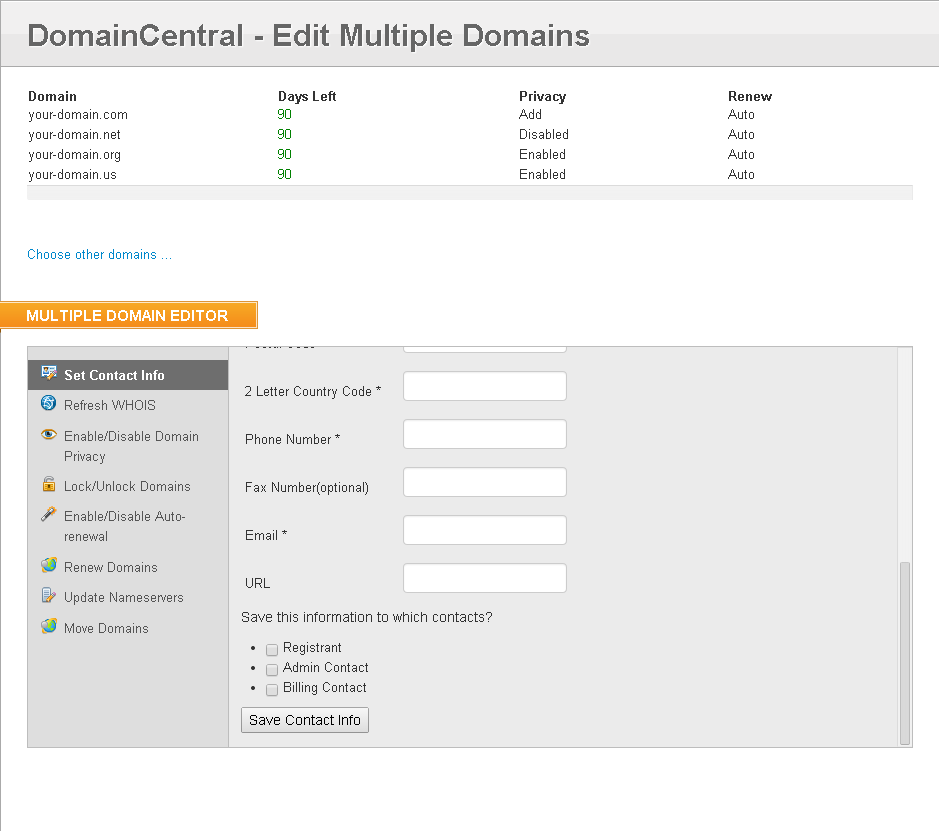
- Fill in the required fields.
- At the bottom, select the contact that this information belongs to. You can select more than one check box. At least one box must be checked for any changes to take place.
- Registrant
- Admin Contact
- Billing Contact
- Click Save Contact Info.
Did you find this article helpful?